Copyright © 2026 LOOP All Rights Reserved.
Mastering Digital Design - Learn Digital 3d Sculpting with ZBrush and Mudbox (Part 3)
Course Description
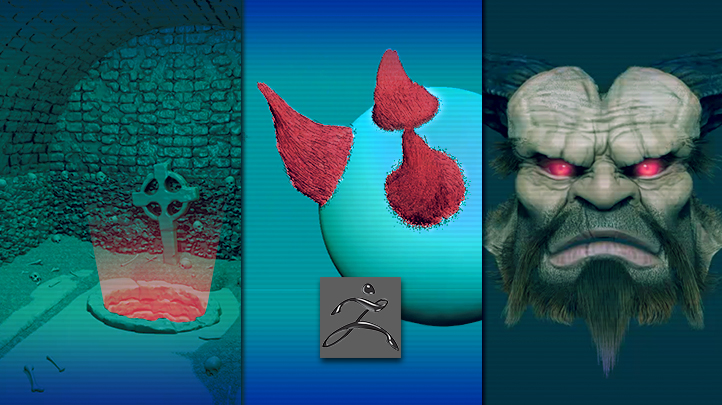
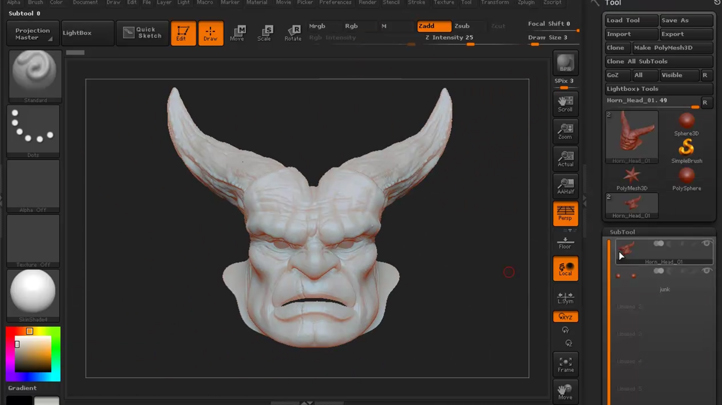
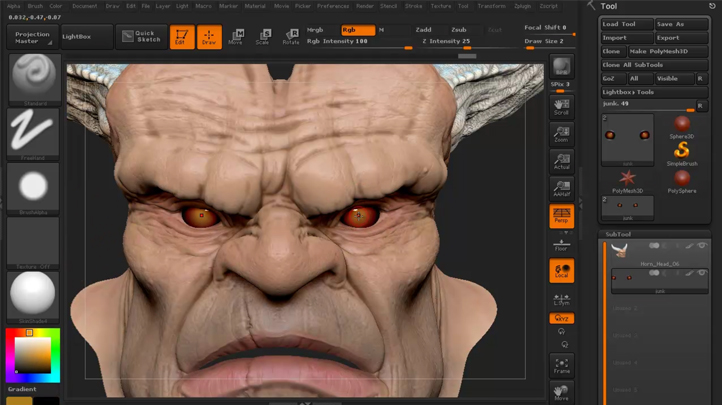
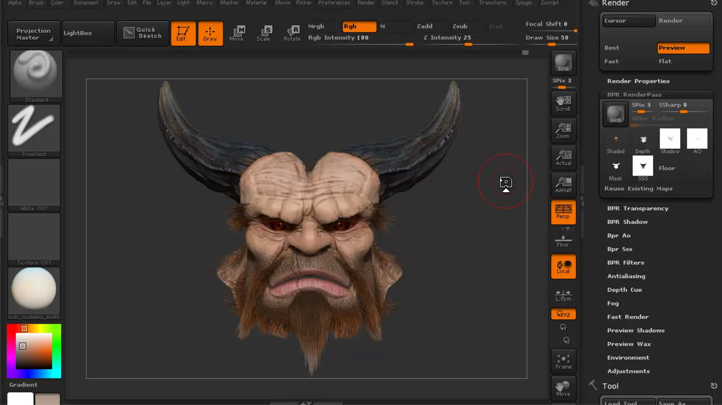
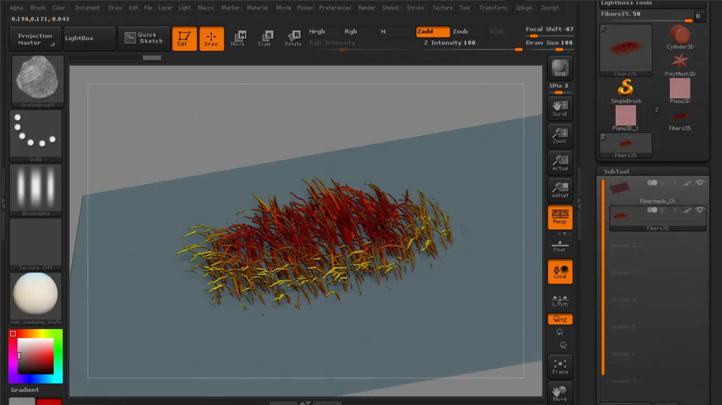
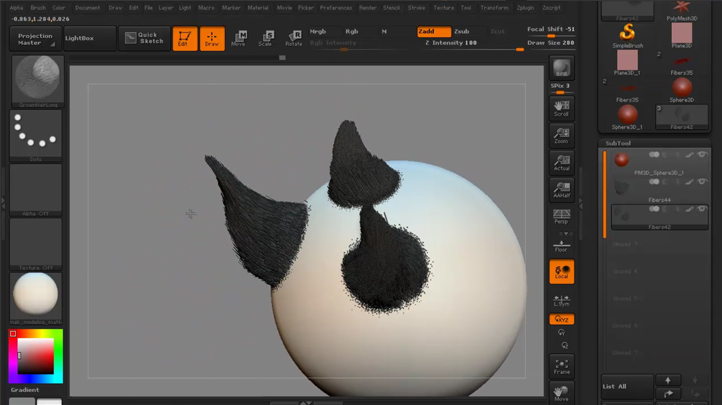
In the final part of Learn Digital 3d Sculpting with ZBrush and Mudbox, Emiel Sleegers is going to be covering how to sculpt and build a catacomb environment using Maya and ZBrush. From there he will be covering topics such dynamesh, additional damage sculpting, insert mesh, and more. In this series, we jump into creating textures in ZBrush using polypainting and Fibermesh in ZBrush. We'll use Fibermesh to create hair element individually and then we'll use the groom brushes to add more natural variations to the fibres or hairs we create. Finally, we'll use polypainting to colour or tint the hair to something more naturalistic and complimentary to the character. A final render to see how it all turns out and then looking at the render pass in Photoshop will complete our whirlwind introduction to Fibermesh!
Learn tips and tricks of creating dynamic animation and games design.
- Know about the different branches in animation
- Learn about what goes into making a successful animation
- Understand better about the designing process with this course
- Be able to create your own monsters and creatures at the end of this course
Course Objectives
1. Be able to sculpt with Maya and ZBrush
2. Learn additional tips on sculpting
3. Know how to create hair element with Fibermesh
4. Learn how to add details to hair with Polypainting
5. Know how to render with Photoshop to finalize sculpture
Related Courses
Mastering Digital Design - Learn to Animate Creatures and Characters for Games and Film (Part 2)
SGD $189.00
Course Description
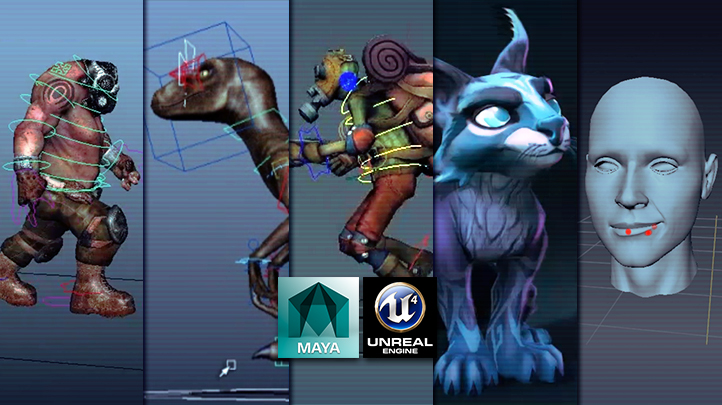
In the second part of Learn to Animate Creatures and Characters for Games and Film, instructor Justin Harrison walks through the process of creating various animations commonly found within a game environment. Instructor Prantik Madhukalya gives us a comprehensive look at his process for animating a non-humanoid creature. After exploring the fundamental needs of basic character locomotion and interaction, we’ll prepare and export our animations to Unreal 4. Upon finishing this two volume series you’ll have a better understanding of the Maya to UE4 animation process, Blueprints, Events and Matinee, pHAT and setting up keyframe to ragdoll execution. We will highlight common pitfalls to avoid that can break your blendshapes, and tips for making your blendshape workflow more efficient and easy to edit. Learn tips and tricks of creating dynamic animation and games design. - Know about the different branches in animation - Learn about what goes into making a successful animation - Understand better about the designing process with this course - Be able to create your own monsters and creatures at the end of this course
Read more...
Mastering Digital Design - Learn Advanced Textures and Materials for Games and Film
SGD $189.00
Course Description
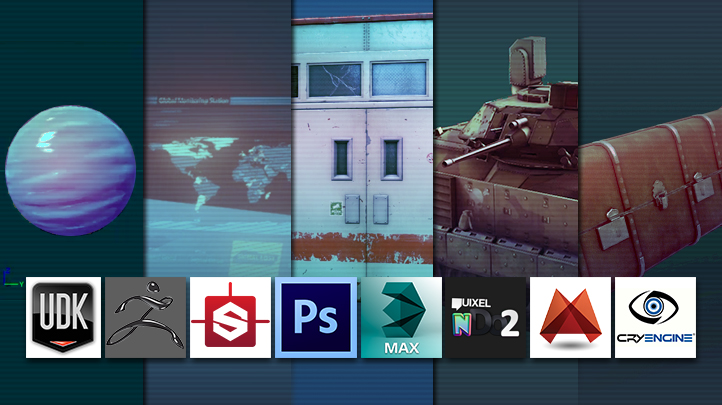
This advanced course focuses on creating advanced materials and textures like those seen in today’s standard of AAA games. We'll take an introductory look at UDK's material editor where will we cover the basics of importing textures and creating our own materials. Through this course, you can learn how to properly photograph textures, edit unnecessary lighting information out of your photographs, how to tile custom textures, extracting different types of visual information from your images and applying your textures in 3D. This course also briefly touches on physically based rendering in regards to photo real texturing and look development. Instructor Emiel Sleegers will be walking you through the process of texturing a suitcase asset using both Substance Designer and Substance Painter. Learn tips and tricks of creating dynamic animation and games design. - Know about the different branches in animation - Learn about what goes into making a successful animation - Understand better about the designing process with this course - Be able to create your own monsters and creatures at the end of this course
Read more...
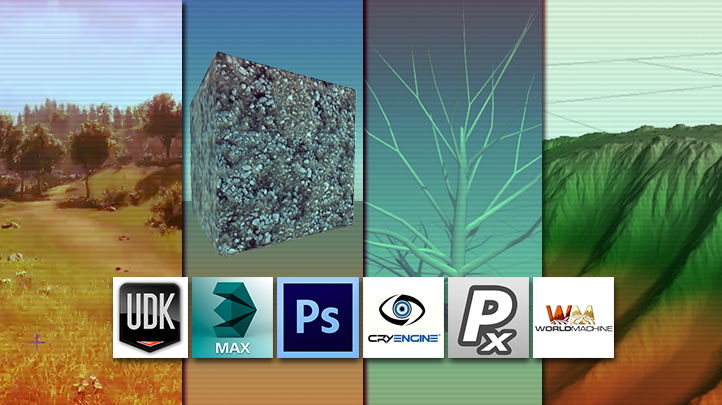
Mastering Digital Design - Organic 3d Modeling and Texturing for Games, Architecture, and Film
SGD $189.00
Course Description
When working with organic surfaces such as trees, grass, dirt, wood and stone, the rules and software techniques that professionals use may require a unique approach. This course will cover advanced techniques and software used to create these sort of assets for games. This in-depth course covers everything you need to know about creating foliage! We'll look into how to make realistic looking grass, branches, and a full tree from the ground up. In this course, instructor Emiel Sleegers is going to walk us through the process of learning the SpeedTree to CryEngine pipeline while utilizing Maya as the middle-man 3D package for exporting. Emiel Sleegers will go over on how to make a terrain using both Mudbox and World Machine. Moving on from there, Philipp Schmidt is going to give us an introduction to PixPlant while showing us how to make some basic tileable textures. Learn tips and tricks of creating dynamic animation and games design. - Know about the different branches in animation - Learn about what goes into making a successful animation - Understand better about the designing process with this course - Be able to create your own monsters and creatures at the end of this course
Read more...
Content
Catacomb Sculpting Series - Volume 1
Preview Available
Catacomb Sculpting Series - Volume 2
Preview Available
Catacomb Sculpting Series - Volume 3
Polypainting in ZBrush - Volume 1
Polypainting in ZBrush - Volume 2
Polypainting in ZBrush - Volume 3
Intro to Fibermesh in ZBrush - Volume 1
Intro to Fibermesh in ZBrush - Volume 2
Intro to Fibermesh in ZBrush - Volume 3
Mastering Digital Design - Learn Digital 3d Sculpting with ZBrush and Mudbox (Part 3)
- Duration 10 hr 34 mins
- Skill level All Levels
- Languages en_US
- Tag(s) NEW Design 3d Animation Games Design
Convince your boss email
This site is best viewed using the latest versions of Google Chrome, Apple Safari, Mozilla FireFox, Microsoft Internet Explorer 11 and Edge which supports HTML5/Webkit technologies.